How to Choose a Crypto Wallet: A Practical Guide
 Elliot Veynor
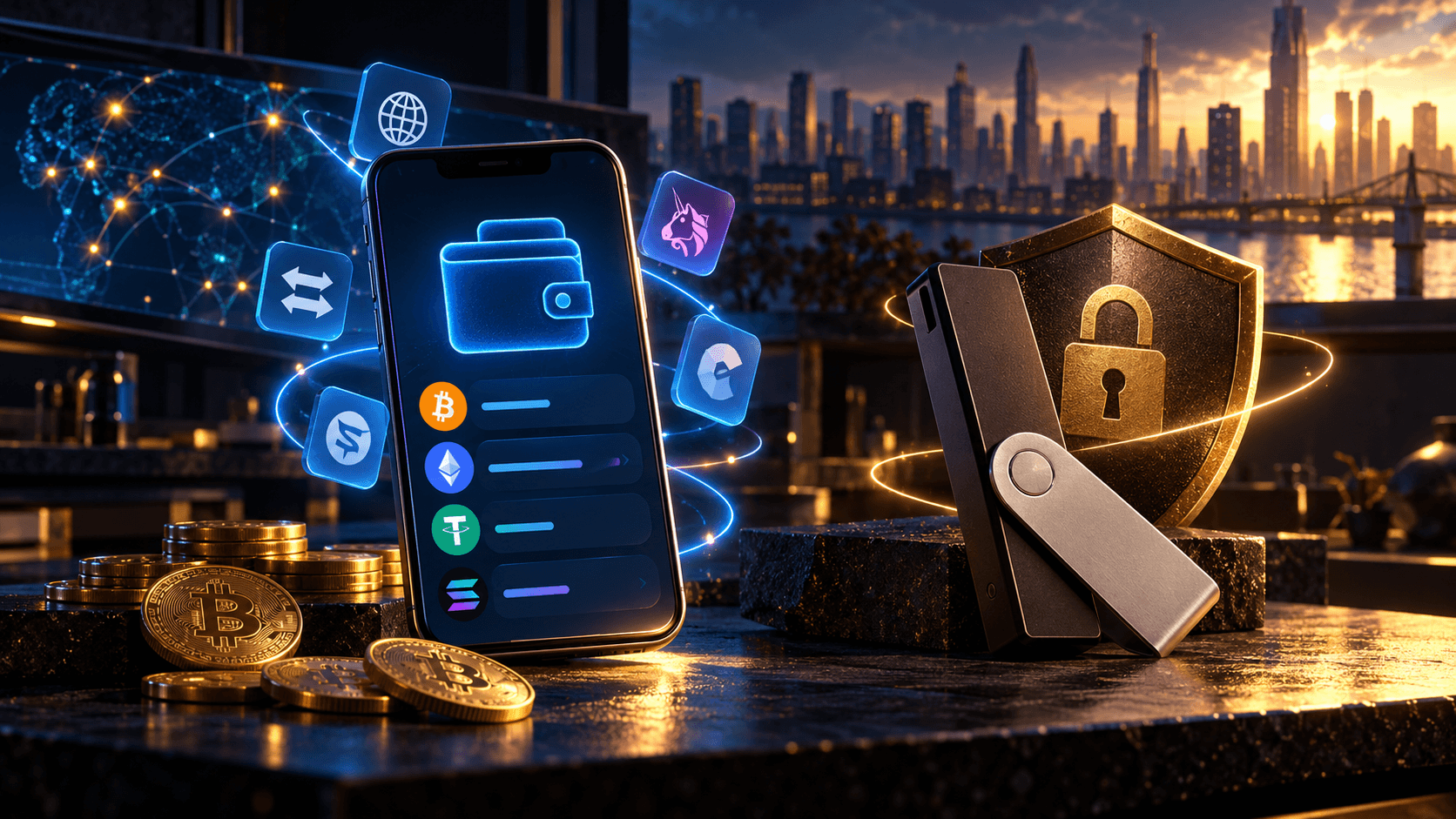
If you regularly send, receive, or swap crypto, a hot wallet gives you access through an app on your phone or computer. Start with the coins and networks you use, then consider which features will save you steps.
For example, Atomic Wallet lets users request swaps through third-party providers within the app and review an estimated receiving amount before confirming.
For funds you rarely move, a hardware wallet may be worth the extra device and setup. The choice comes down to how you use your crypto, how the keys are protected, and how you would recover access.
H2: Hot or Cold?
The difference comes down to private keys: a hot wallet keeps them on an internet-connected device, while cold storage keeps them offline. Your crypto remains on the blockchain; the wallet holds the keys needed to move it.
H3: Hot Wallets for Regular Transactions
A hot wallet lets you receive payments, send crypto, and use supported features from your phone or computer. Most are free to install, making them an accessible option for funds you move regularly.
The trade-off is that the keys sit on a device you also use to browse, download files, and open messages. Malware or compromised wallet software can put them at risk. A password helps protect access to the app, but it does not isolate the keys from the device.
H3: Hardware Wallets for Offline Key Storage
A hardware wallet signs transactions inside a separate device without exposing its private keys to the connected computer or phone. You review the transaction details and approve the transfer on the hardware itself.
This suits holdings you want to keep separate from everyday activity. You must buy and keep track of the device, though it can also be used for frequent transactions. Hardware protection does not make every approval safe: signing a malicious transaction or exposing the recovery phrase can still lead to losses.
You can use both approaches – one wallet for regular transfers and another for longer-term holdings. Keep their keys and backups separate; importing a hardware wallet’s recovery phrase into a hot wallet removes that offline separation.
H2: Who Holds the Keys?
With a custodial service, the provider holds the keys and processes withdrawals. You sign in with an account and can usually request help recovering access. Withdrawals depend on the service’s rules and availability.
With a non-custodial wallet, you hold the keys and authorise transactions yourself. Recovery typically relies on a backup phrase: it can restore access if your phone breaks, but anyone who obtains it can also access your funds. Both hot wallets and hardware wallets can be non-custodial.
H2: Coins and Networks
USDT support does not mean support for every USDT network. A wallet may support USDT on Ethereum but not on Tron. The network must match at both ends of a transfer.
Check these details before choosing:
-
Assets and networks: the specific coins, tokens, and networks you use for deposits and withdrawals.
-
Device support: availability on your operating system, including any differences between mobile and desktop versions.
-
App connections: compatibility with the crypto apps you intend to use. Receiving a token does not necessarily mean the wallet can connect to that token’s staking or lending platform.
H2: Fees and Swaps
A wallet can be free to install and still charge for services offered inside it. Before choosing, check the costs of the operations you expect to use most.
H3: Network Fees vs. Service Fees
A network fee pays for processing a blockchain transaction. It varies by network and demand, so the same wallet can be inexpensive to use on one chain and costly on another. Sending tokens may also require the network’s native coin – for example, ETH to send USDT on Ethereum.
Buying or swapping crypto through an integrated provider introduces separate costs. These may include a service fee and a margin built into the exchange rate. A “zero service fee” offer therefore does not necessarily give you the most crypto for your money.
H3: What a Swap Quote Actually Shows
Compare quotes using the same input amount and check the estimated crypto you will receive. A headline fee alone misses differences in exchange rates and other charges. Also check whether the network fee is included in the quote or paid separately.
A floating-rate quote can change while the exchange is processed. A fixed-rate quote generally holds the rate for a limited window, subject to the provider’s conditions. Before confirming, check the minimum amount, quote expiry, and any verification requirements. An integrated swap saves steps, but the provider’s terms still apply.
H2: Security and Recovery
Look for documented answers to these questions:
-
Where are the keys stored? On your device, inside dedicated hardware, or with a provider? A password protects access to an app; it does not turn a hot wallet into cold storage.
-
How were past security incidents handled? Read what happened, what was fixed, and how users were informed. Security claims carry more weight when supported by specific technical findings.
-
Is the software maintained? Check recent releases and security fixes. If an audit is available, note its date and scope – it may not cover the version you will use.
-
What restores access? Establish whether recovery requires a phrase, a separate device, or the provider’s help. For a phrase-based wallet, losing both the device and the backup can mean losing access permanently.
H2: Wallets to Consider
-
Atomic Wallet: A software wallet for managing multiple assets, with swaps available through integrated providers. Check support for your specific networks and review the quote before exchanging.
-
MetaMask: An option for connecting to decentralised apps. Check compatibility with the apps you use; it also supports hardware-wallet connections for signing transactions.
-
Trezor: A hardware option that keeps keys separate from your everyday computer or phone. You will need the device to approve outgoing transactions, and asset support varies by model and software.
Before funding your chosen wallet, download its software from the official source and follow its backup instructions. Check the receiving network, then make a small test transfer before moving a larger amount.
FAQ
Is it better to keep crypto in a wallet or on an exchange?
An exchange is convenient for trading. A self-custody wallet gives you control of the keys, but you must protect the backup yourself.
Are crypto wallets free?
Most software wallets are free to download. Network fees and service charges may apply. Hardware wallets cost money to buy.
Can a crypto wallet be hacked?
Yes. Malware, software vulnerabilities, and stolen recovery phrases can expose your funds. Hardware wallets reduce some risks but do not eliminate them.
What happens if I lose my crypto wallet?
You can usually restore access with your recovery phrase or another supported backup. Without it, losing your device may mean losing access permanently.
Can I store all my crypto in one wallet?
Yes, if the wallet supports every asset and network you use. Check network support, not just coin names.
Do I need a hardware wallet?
Consider one if you want to keep private keys off your phone or computer, especially for long-term holdings.
Can I use multiple crypto wallets?
Yes. Separate wallets can serve different purposes. Use different recovery phrases if you want to keep their access separate.
Can I change my crypto wallet later?
Yes. Transfer your assets to a new wallet that supports their networks. No sale is needed, but network fees apply.
Disclaimer: This is a sponsored article and is for informational purposes only. It does not reflect the views of Crypto Daily, nor is it intended to be used as legal, tax, investment, or financial advice.
Related Stories