Betting From Your Own Wallet on Dexsport: A Step-by-Step Guide
 Crypto Daily
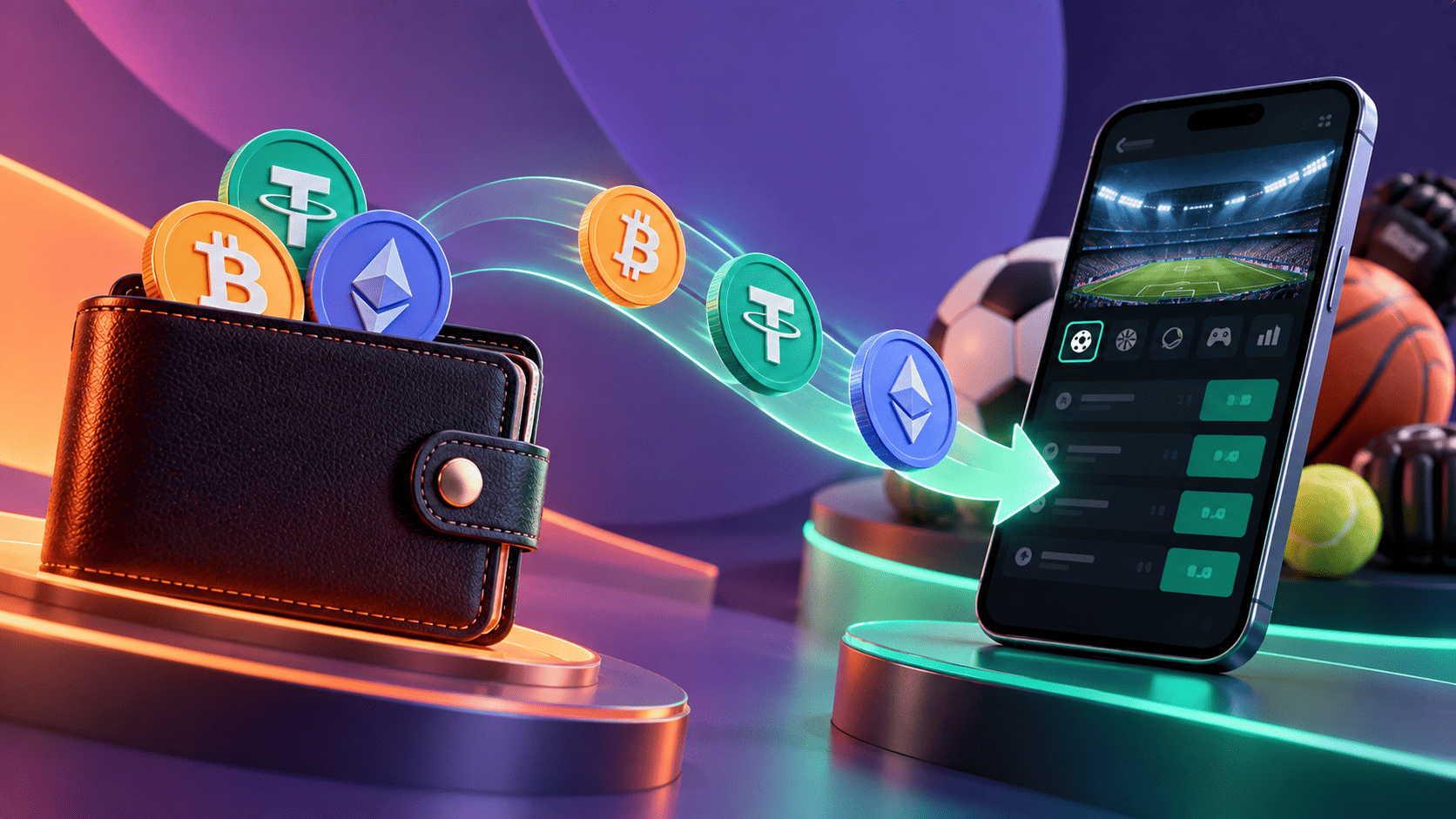
Dexsport lets you skip the email form and bet from your own wallet. Connect MetaMask, Trust Wallet or one of four other options, and the same address that holds your crypto becomes your Dexsport wallet account.
The route suits anyone who already manages coins in a self-custody wallet. It also brings responsibilities that an email account spreads differently, from network choice to the security of your keys.
Here is the full path from a connected wallet to a settled bet, followed by the terms that come with a wallet account.
Before You Connect
Five minutes of preparation prevents most first-time problems.
-
Pick a supported wallet: Dexsport lists MetaMask, TronLink, Trust Wallet, Bitget, Halo and WalletConnect, which links many other wallets
-
Know your network: decide which chain you will fund from, since each coin can exist on several networks
-
Keep a little gas: hold some of the chain's native coin, such as ETH, TRX or BNB, to pay transfer fees
-
Have an email ready: the sports welcome offer and the Sports Club require a verified address, which a wallet sign-in may not supply
Seven Steps From Wallet to Settled Bet
The sequence below follows the platform's own flow, from the header button to a payout.
-
Open the sign-up window. Click "Sign up" in the upper right corner of any page, and choose your wallet from the six icons, MetaMask among them
-
Approve the connection. Your wallet asks you to confirm the site; check the address in the prompt before you approve
-
Choose a welcome track, or skip it. Pick the casino offer, the sports offer or "I'll choose later", and add a promo code if you have one
-
Deposit on the right network. Select the coin, then the network, which the deposit screen labels as BEP-20, TRC-20, ERC-20, ARB1 or similar, and try a small transfer before the full amount
-
Check your balance. The wallet section shows a game balance and a withdrawable figure separately, so you can see what is ready to cash out
-
Place a bet. Open the sportsbook, add a selection to the slip and confirm, with stakes from $1
-
Collect the result. Once the event settles, winnings join your game balance, and the withdrawable figure updates as withdrawal conditions are met
Minimum deposits differ between funds sent straight from a Web3 wallet and deposits into the platform's internal wallet, so read the figure shown for your chosen route.
The Withdrawal Rule to Know First
One condition catches most newcomers. Under Dexsport's terms, each deposit must go through sports bets priced at 1.3 or more, or twice through casino games, before you can withdraw it.
Bets settled early through Cash Out do not count toward that requirement. The split between game balance and withdrawable balance on the wallet screen shows your progress at a glance.
What a Wallet Account Means Under the Terms
Wallet sign-in changes where responsibility lies, and Dexsport's terms spell that out.
-
Your keys stay yours: the terms state that the platform is not responsible for private keys or assets stored in your wallet
-
Actions bind the wallet holder: everything done from a connected wallet counts as your action, even when someone you gave access to acts on it
-
Report problems quickly: suspected unauthorised use must be reported within 24 hours
-
One profile per person: the terms prohibit multiple accounts controlled by the same person
-
Checks can still apply: the platform does not request ID documents at sign-up, yet its terms allow a request at any point
Guides to wallet options can help you decide which of the supported wallets suits your habits before you connect.
Keep the Wallet Clean
Every connection leaves traces. Token approvals granted to a site stay active until you revoke them, and old permissions can outlive your interest in a platform.
Review approvals every few months, disconnect sites you have stopped using, and keep your seed phrase offline. Good wallet hygiene matters as much as any platform feature.
Using Your Wallet on Dexsport
Dexsport handles dozens of coins over many chains, and a connected wallet can fund the sportsbook, the casino and, with a stablecoin, the prediction markets, much like a MetaMask sportsbook built for crypto users.
Stakes start at $1 on the sportsbook, and weekly cashback pays in stablecoins every Monday.
Anjouan's regulator licenses the operator, age limits of 18 or the local age of majority apply, and residents of Russia and Belarus cannot use the platform. Terms change, so read the current version before your first deposit.
Last verified: September 2026
Conclusion
Wallet sign-in on Dexsport takes a few clicks: open the sign-up window, pick one of six wallets, approve the connection and choose a welcome track or skip it. From there, deposit on the right network, check the game and withdrawable balances, and place a bet from $1.
Two rules deserve attention before the first deposit. Deposits need play on sports bets priced from 1.3 before withdrawal, and everything done from the connected wallet binds its owner.
Add a verified email if you want the sports offer or the Sports Club. Check local law, set a budget, and bet only if you are of legal age, since KYC or AML checks may apply. Responsible gambling starts with a clear limit.
Disclaimer: The information here is provided for general purposes only and is not legal, tax, investment, or financial advice. Supported wallets, networks and terms change, so check current details on the platform before you connect or deposit. Crypto transfers can be irreversible. Sports wagers and casino games involve risk, and rules vary by country, so check the law where you live. Please play responsibly, within your means, and only if you are of legal age.
Related Stories